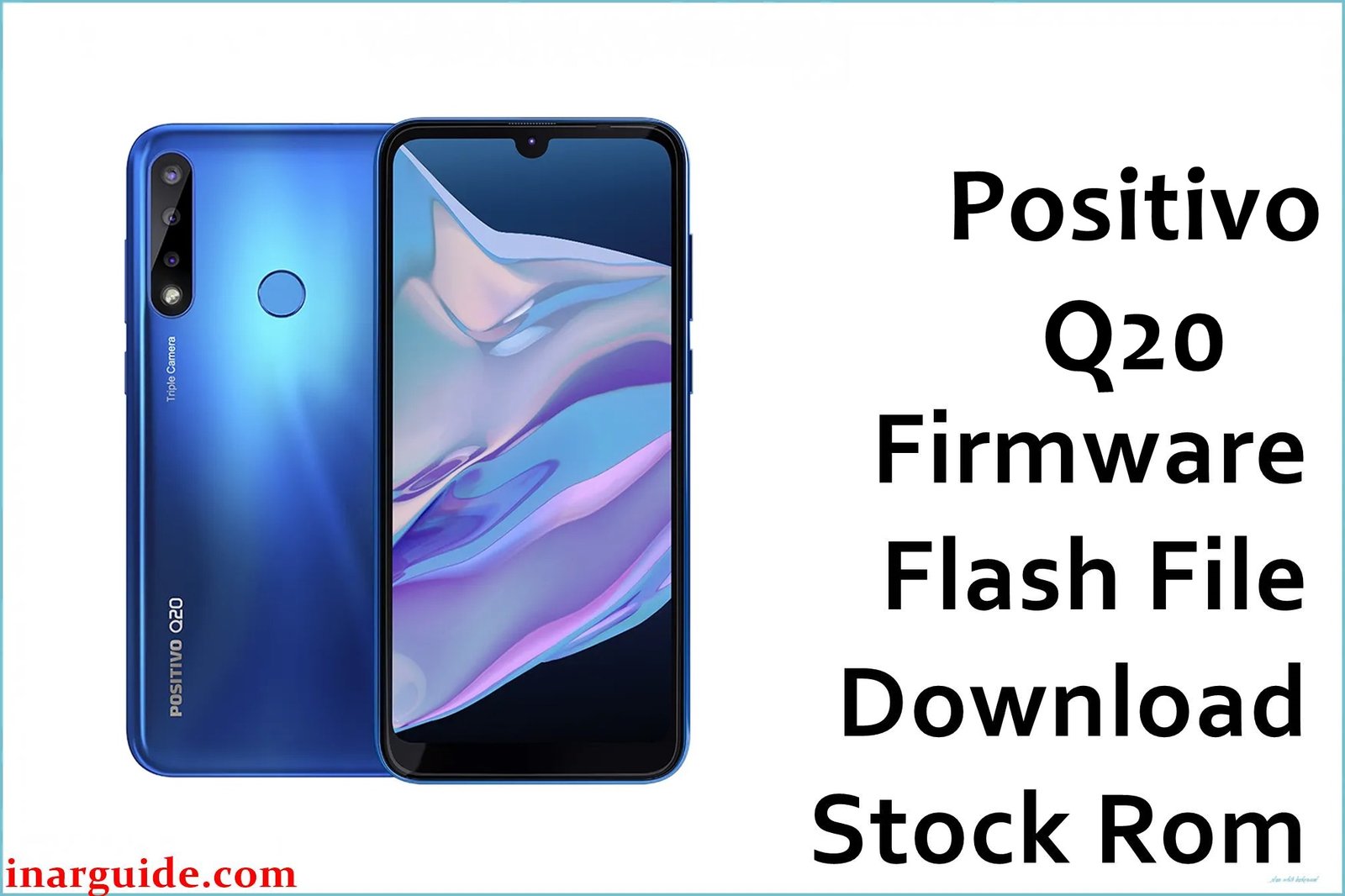
The Positivo Q20 is a budget-friendly Android phone recognized for a sleek design, decent battery life, and generous 128GB storage, but users report frequent lag, sudden slowdowns after updates, bootloop or device stuck at logo, fingerprint sensor errors, forgotten password locks, and persistent bugs with network or Google apps. Many also face battery draining fast, problems with app installs, audio glitches, and focus errors with the triple camera—especially after system updates or failed mods. Flashing the official stock firmware below is recommended to restore your Q20, remove bricked/dead state, and resolve Android system corruption or lock.
Positivo Q20 Firmware Details
| Device Name: | Positivo Q20 |
| Model: | Q20 |
| Chipset: | UNISOC SC9863A (Octa-core 1.6GHz ARM Cortex-A55) |
| GPU: | IMG 8322 |
| Android Version: | Android 10 |
| Firmware Version: | 201112 SPD |
| Build Date: | December 12, 2020 |
| File Size: | 1.5GB |
| File Type: | PAC File (SPD/Spreadtrum Upgrade Tool) |
| Flashing Tool: | SPD/Spreadtrum Upgrade Tool |
| Display: | 6.1-inch IPS LCD, 720x1560px |
| RAM / Storage: | 4GB RAM / 128GB (expandable via microSD up to 256GB) |
| Rear Cameras: | Triple: 13MP (main) + 5MP (ultra-wide) + 2MP (depth) |
| Front Camera: | 8MP |
| Battery: | 4000mAh Li-Po |
| SIM: | Dual SIM (4G) |
| Other Features: | Rear fingerprint, Type-C, face unlock, FM, Android 10 |
Download Official Firmware for Positivo Q20
This firmware is recommended for users experiencing boot failure, dead phone after FRP reset, network bugs, IMEI loss, or Android corruption, and can be used for full recovery, password removal, or after a failed update/mod/root.
📄 Filename: Positivo_Q20_201112_SPD.zip
📦 Size: 1.5GB
🗓️ Build Date: December 12, 2020
🔢 Build Version: 201112 SPD
🤖 Android Version: 10
⬇️ Download Link: Google Drive
How to Flash the Firmware
Follow these 5 quick steps to safely flash Positivo_Q20_201112_SPD.zip to your phone:
- Download and extract the ZIP and SPD Upgrade Tool to your PC.
- Install Spreadtrum/UNISOC USB drivers and launch the Upgrade Tool.
- Load the .PAC firmware file from the extracted folder into the tool.
- Switch off the Q20, connect via USB (hold volume key if needed for detection).
- Click “Start/Download” in the tool and wait for it to finish. Reboot your device when complete.
For step-by-step visuals with screenshots and video, follow this SPD flashing guide: SPD Flash Tool Tutorial.
If you have a specific guide/video for Q20, please provide it and this section will be updated as required.