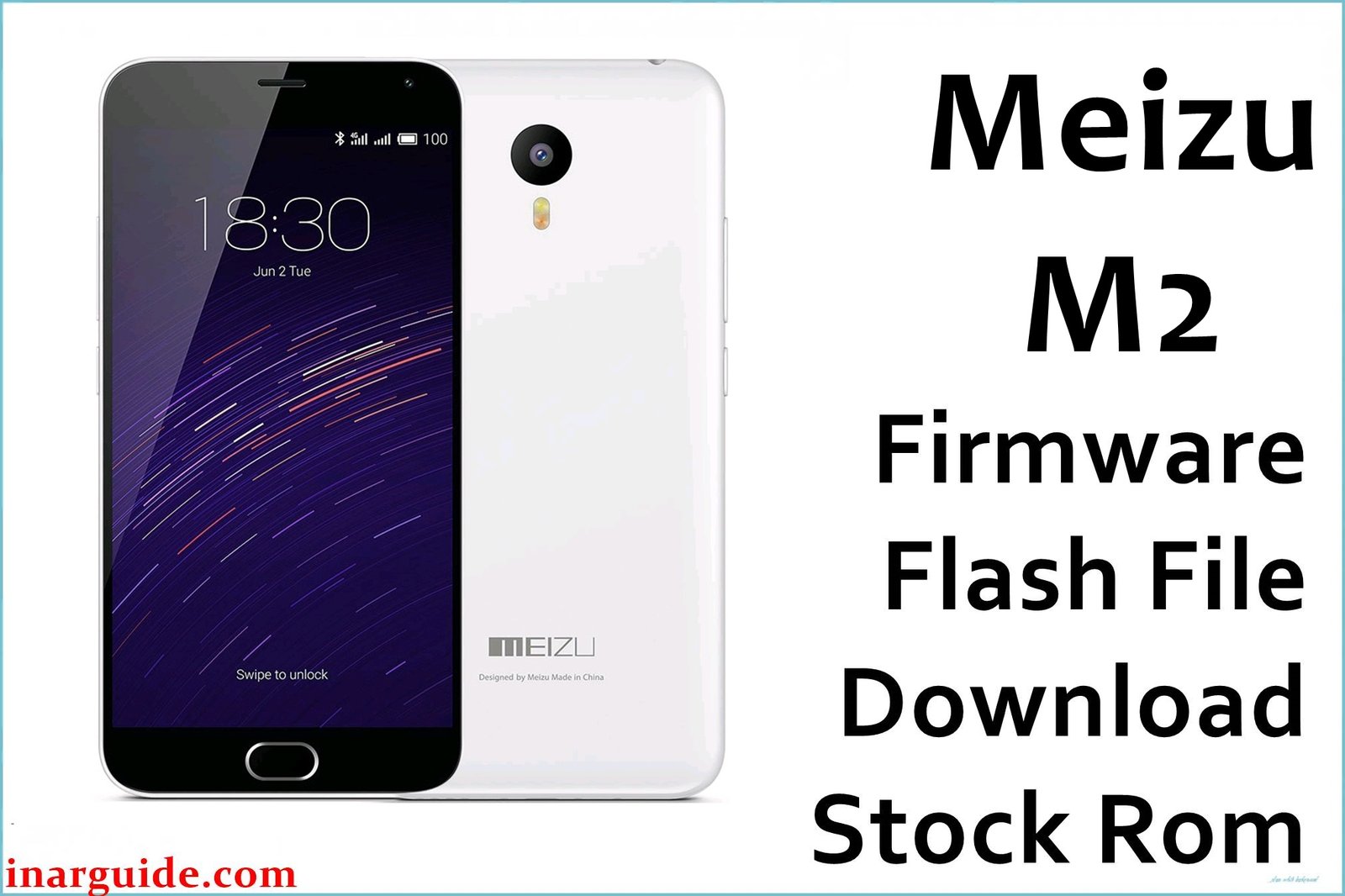
The Meizu M2 (MT6735/M88) is a budget smartphone well-regarded for daily use but known for certain recurring issues. Owners frequently report overheating, rapid battery drain, laggy performance during gaming, and device bootloop or failure to boot after failed flashes or OTA updates. Problems such as ghost touches and slow charging can occur under heavy use, leading many to seek recovery firmware for a stable experience.
These official firmware files help restore soft-bricked or bootlooped devices, improve battery management, reduce overheating, and deliver a smoother UI. Flyme OS 6.1.0.0G and factory images are best used to recover stuck devices and keep your M2 running reliably.
Meizu M2 Firmware Details
| Device Name | Meizu M2 / M2 Mini |
|---|---|
| Model | M88 |
| Chipset | MediaTek MT6735 (Quad-core 1.3GHz Cortex-A53) |
| GPU | ARM Mali-T720 |
| RAM & Storage | 2GB RAM, 16GB/32GB Storage (microSD up to 128GB) |
| Display | 5.0″ IPS LCD, 1280×720 (HD) |
| Camera | 13MP rear, 5MP front |
| Battery | 2500mAh Li-Ion (non-removable) |
| Operating System | Flyme OS 4.5 – 6.1.0.0G (Android 5.1/6.0 base) |
| Firmware Filenames | Meizu_M2_MT6735_13082015.zip Meizu_M88_Z160_factory_software_for_M2(M88).rar Meizu_M2(M88)_20160626222819_tel_prd_fvcs_stable.rar 20170620180729_intl_prd_fvcs_stable_Flyme 6.1.0.0G.rar |
| Firmware Versions | Factory/Test, Flyme 6.1.0.0G (Global) |
| Build Dates | 2015-08-13 – 2017-06-20 |
| File Sizes | 468MB, 401MB, 1.18GB, 657MB |
| File Types | ZIP, RAR |
| Flashing Tool | SP Flash Tool (MediaTek) |
Warning: Flashing incorrect firmware or scatter/auth files can cause permanent bootloop or “red state” on Meizu M2. Always backup your device and confirm model and file matches before starting.
Download Official Firmware for Meizu M2
Choose carefully: Factory releases restore boot from system failure, while stable Flyme builds patch UI lag, overheating, battery drain, and security holes.
Meizu_M2_MT6735_13082015.zip
📦 Size: 468MB
🗓️ Build Date: Aug. 13, 2015
🔢 Build Version: Factory/Test
🤖 Android Version: 5.1 (Lollipop)
⬇️ Download Link: Mediafire
Ideal for fixing bootloop and restoring factory settings.
Meizu_M88_Z160_factory_software_for_M2(M88).rar
📦 Size: 401MB
🗓️ Build Date: Not listed
🔢 Build Version: Factory/Test
🤖 Android Version: 5.1
⬇️ Download Link: Google Drive
Restores original system, useful for unbricking.
Meizu_M2(M88)_20160626222819_tel_prd_fvcs_stable.rar
📦 Size: 1.18GB
🗓️ Build Date: June 26, 2016
🔢 Build Version: Stable
🤖 Android Version: 5.1
⬇️ Download Link: Google Drive
Stable system; recommended for regular use and improved battery.
20170620180729_intl_prd_fvcs_stable_Flyme 6.1.0.0G.rar
📦 Size: 657MB
🗓️ Build Date: June 20, 2017
🔢 Build Version: Flyme OS 6.1.0.0G Global Stable
🤖 Android Version: 6.0
⬇️ Download Link: Google Drive
Changelog highlights: Improved battery management, Bluetooth fixes, better stability, bug fixes.
How to Flash the Firmware
- Confirm your model is Meizu M2 (M88) and select correct firmware file (e.g. Meizu_M2_MT6735_13082015.zip).
- Backup all data before beginning.
- Unzip the firmware and install MediaTek drivers on your PC.
- Open SP Flash Tool, select the scatter file, and configure download settings.
- Connect device in download mode (usually Power + Volume Down), and start flashing.
For full step-by-step instructions, videos, and troubleshooting, use this detailed guide.
Special flashing guides for Meizu M2:
MediaTek (MTK) Devices (SP Flash Tool): SP Flash Tool Guide
YGDP Tool: How to use YGDP Tool
WiseLink Flash Tool: WiseLink Tool Instructions